
How to Display Art on Your TV
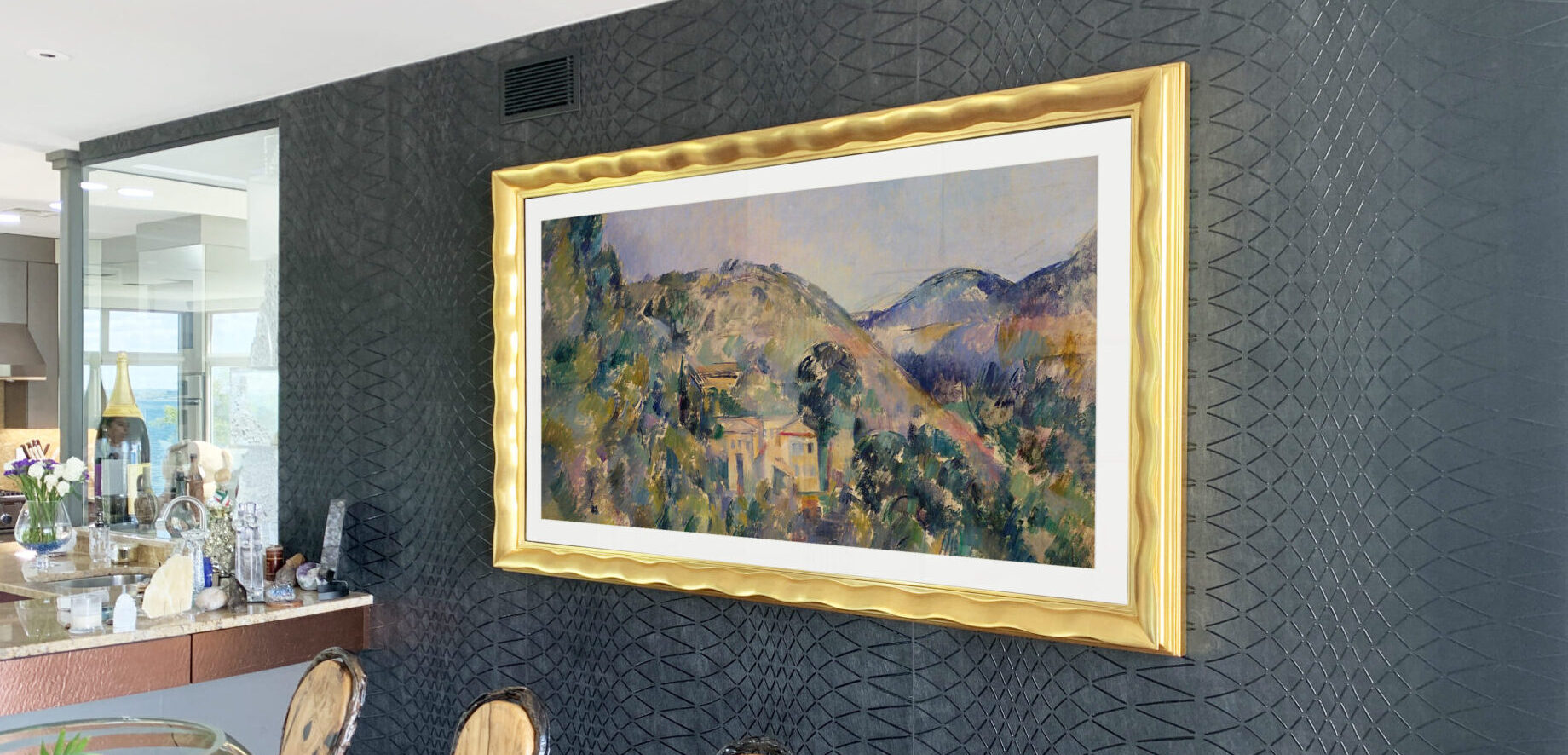
Turn Your Screen into a Curated Digital Gallery
Displaying art on a television should feel as considered as hanging a painting. With the right artwork, setup, and presentation, your screen can become a refined part of your interior rather than a visual distraction.
At Reflectel, we apply fine art framing principles to digital displays, combining museum-quality craftsmanship with optical TV mirror glass and decades of experience through our sister company, GK Framing.
This guide provides a clear, professional overview of how to display artwork on your TV, from sourcing images to optimizing presentation.
Where to Find Artwork for Your TV
There are three primary ways to build a digital art collection for your television:
1. Free Museum Art Archives
Many major museums offer high-resolution, public-domain artwork that can be downloaded and displayed at no cost.
Notable collections include:
These digital art archives provide access to thousands of paintings, prints, photographs, and decorative works, allowing you to curate a museum-quality TV art collection at home.
2. Subscription Art Platforms
For continually refreshed collections, digital art services offer curated libraries and rotating displays for your art TV.
Popular platforms include:
These services provide automatic updates, themed collections, and scheduled rotations, ensuring artwork displayed on your TV always feels current.
3. Personal Artwork and Photography
You may also display your own:
- Family photographs
- Travel imagery
- Original artwork
- Custom digital designs
Images can be stored in cloud photo libraries, on USB drives, or connected devices, allowing your framed television to function as a personalized gallery.
Three Ways to Display Art on Your TV
Most installations fall into one of the following three categories:
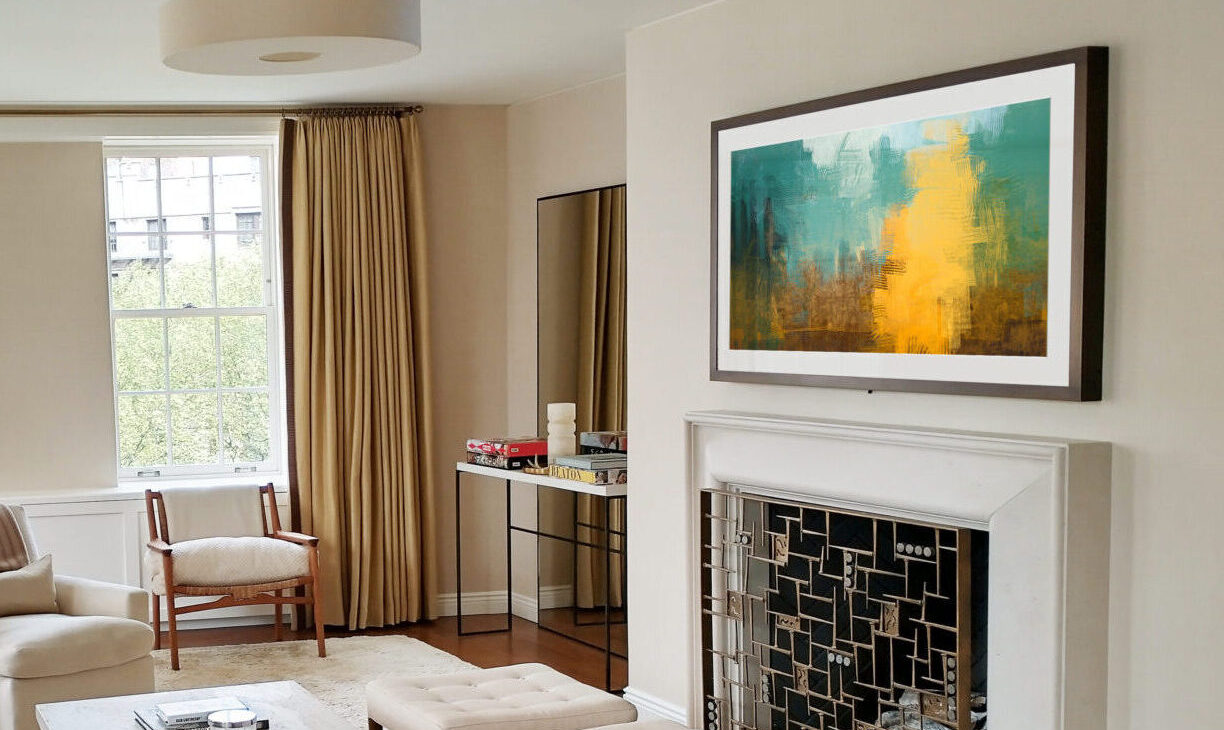
1. Built-In TV Art and Ambient Modes
Many smart TVs include native display features designed for artwork or idle viewing.
These may appear as:
- Art Mode
- Ambient Mode
- Gallery Mode
On supported models, personal photos and custom collections may also be played from a USB thumb drive.
This option is ideal for users who prefer a built-in solution.
2. Streaming Devices
Streaming devices connected to your TV often support photo displays and gallery apps.
Common platforms include Apple TV, Roku, Google TV, and Fire TV.
These typically offer:
- Screensaver photo albums
- Gallery applications
- Ambient display settings
This method works well for flexible, app-based displays.
3. Computer Connection via HDMI
Any television with an HDMI input can display artwork from a computer.
This method provides the greatest level of control and is often used for professional or custom installations.
It allows you to:
- Match resolution precisely
- Control slideshow timing
- Manage large collection
- Disable interruptions
This approach works with virtually all modern televisions.
This option is ideal for users who prefer a built-in solution.
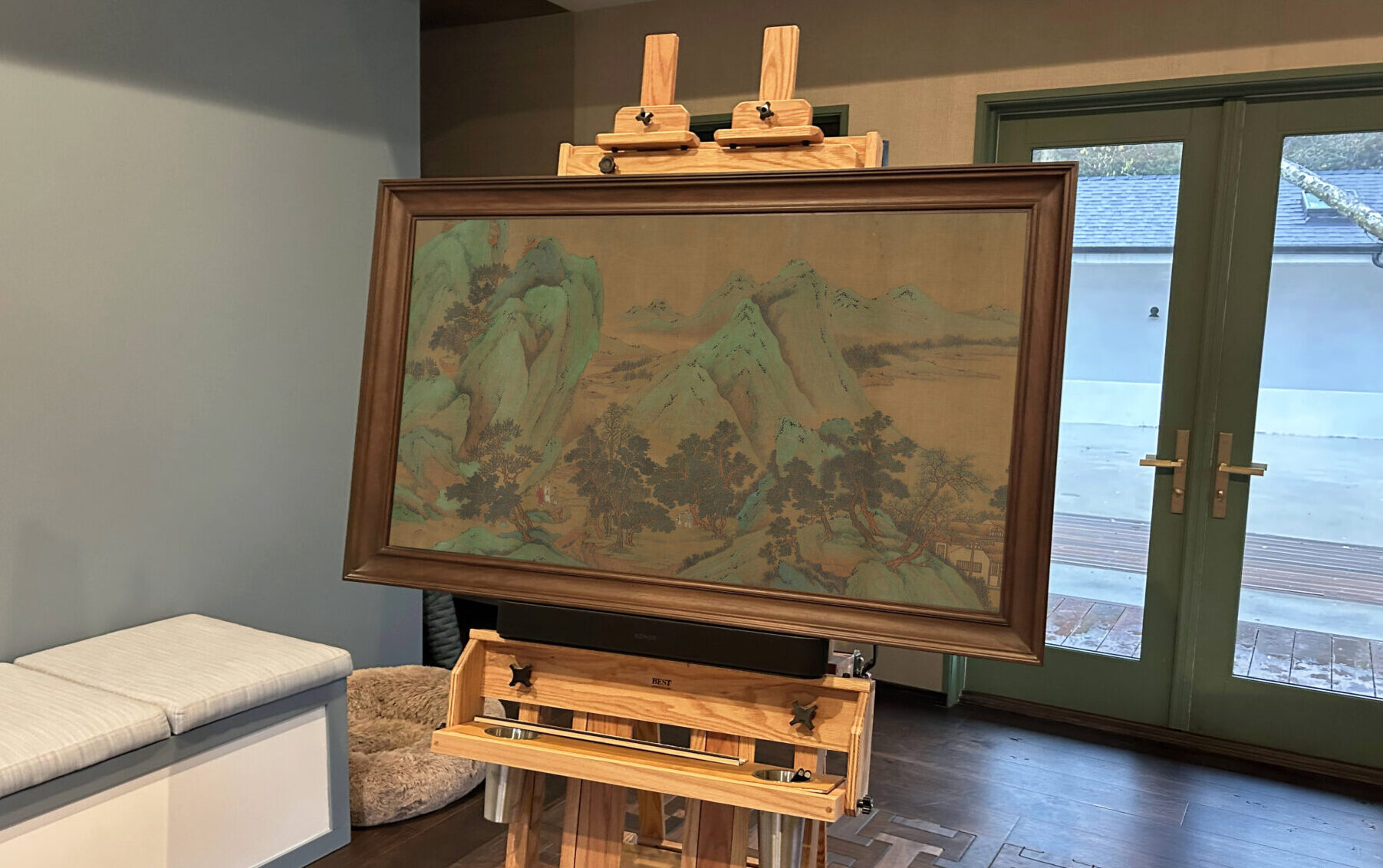
Preparing Your Digital Artwork for Best Results
This step applies when you are uploading or managing your own image files. If you are using a subscription art app or built-in TV gallery service, file preparation is handled automatically.
Proper file preparation ensures the highest visual quality when displaying personal artwork, museum downloads, or custom images.
Image Guidelines
- Resolution: 4K when available (3840 × 2160 pixels)
- Format: JPG or PNG
- Orientation: Landscape for most TVs
- Organization: Group images into folders or albums
Well-organized collections make rotation and management easier.
TV Setup: A Quick Note
Every television brand and model handles the display of artwork differently. This guide provides a general overview.
For detailed, model-specific instructions, consult your manufacturer’s support pages:
These resources provide the most accurate guidance for your exact TV model and software version.
How to Make TV Art Look Like Real Art
Presentation is what transforms digital images into a design feature.
To achieve a gallery-like appearance:
- Adjust brightness based on room lighting
- Use a warmer color temperature when available
- Match artwork to your TV frame and interior palette
- Rotate collections periodically
- Avoid leaving static images at maximum brightness for extended periods
These refinements help artwork feel intentional and considered.
Maintaining and Refreshing Your TV Art Collection
A thoughtfully curated art display evolves over time.
Best practices include:
- Updating artwork seasonally
- Creating themed collections
- Rotating museum, contemporary, and personal pieces
- Refreshing folders and albums regularly
A rotating collection keeps the TV art display purposeful and engaging.
Why TV Art Presentation Matters
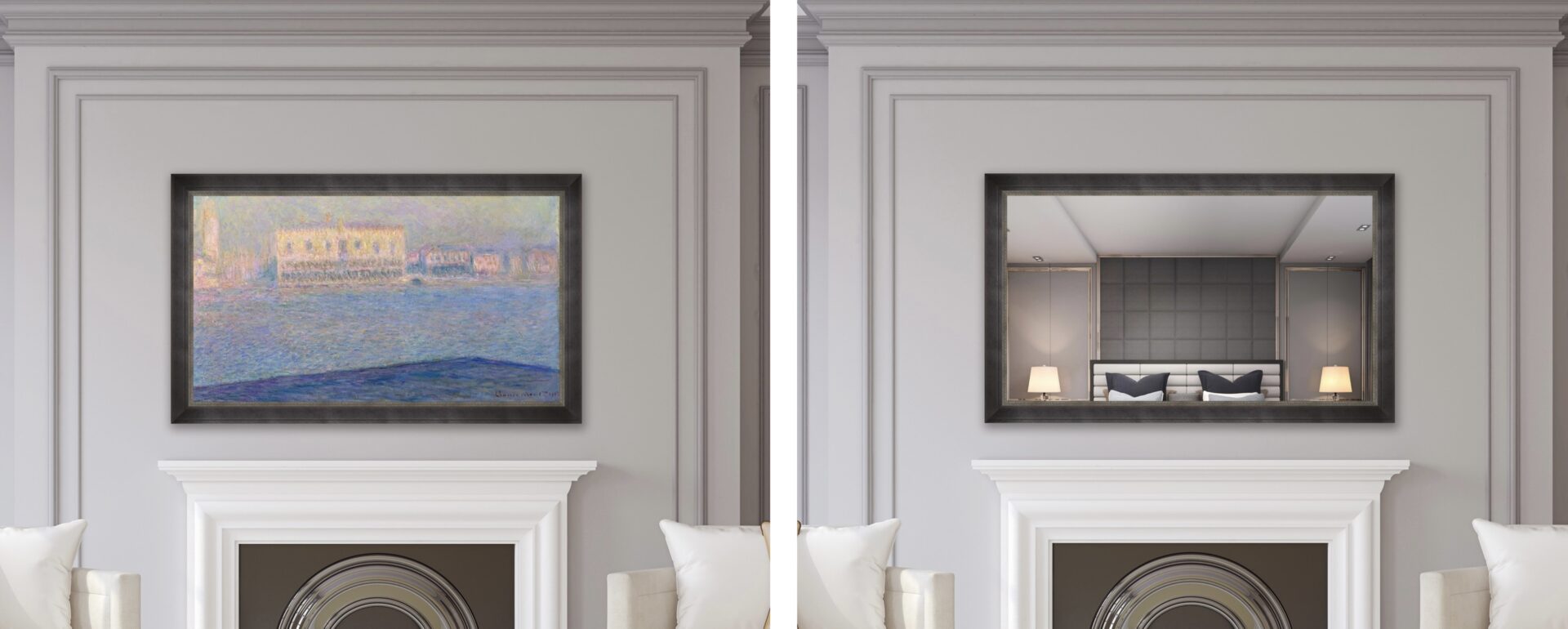
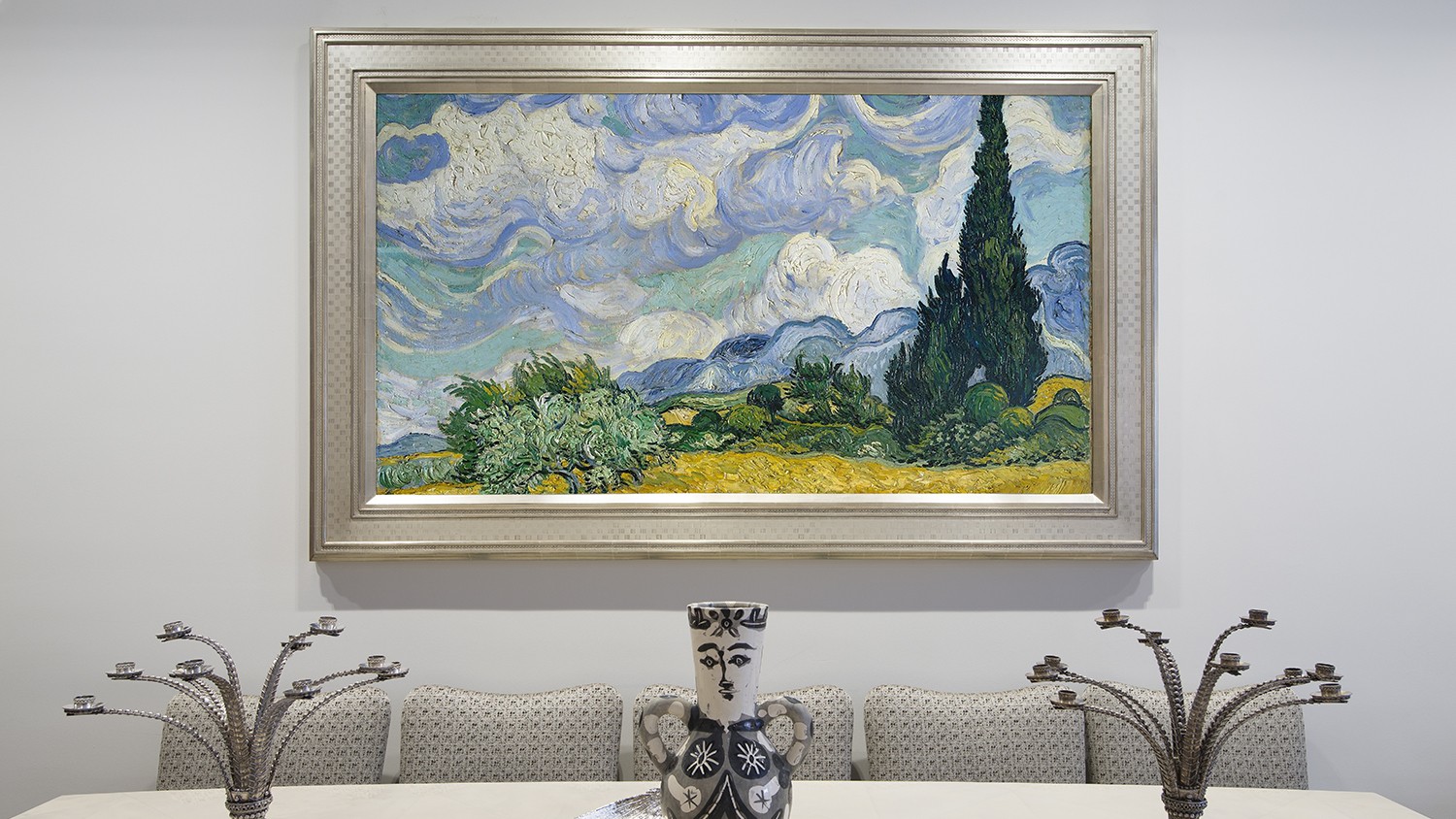
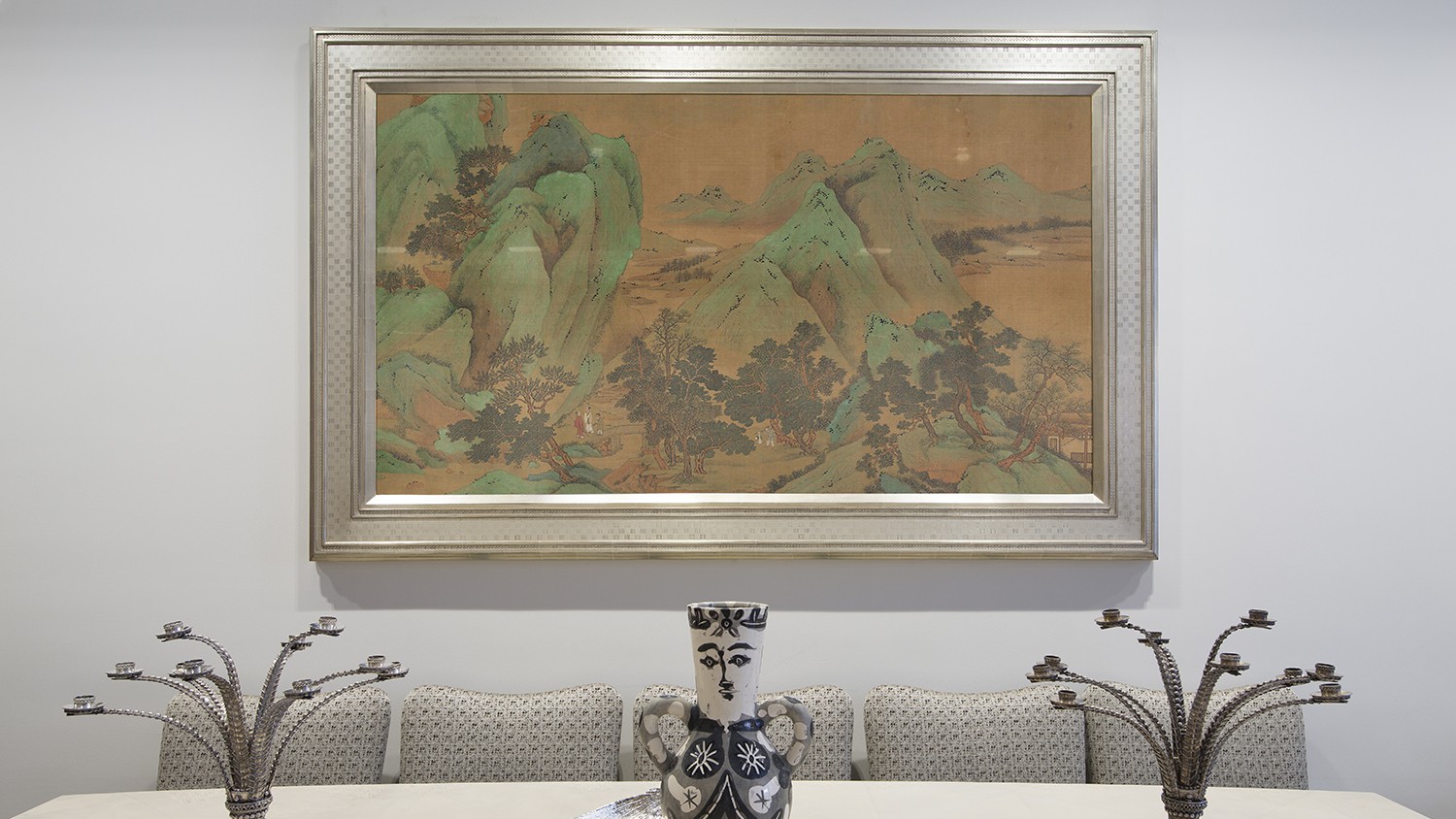
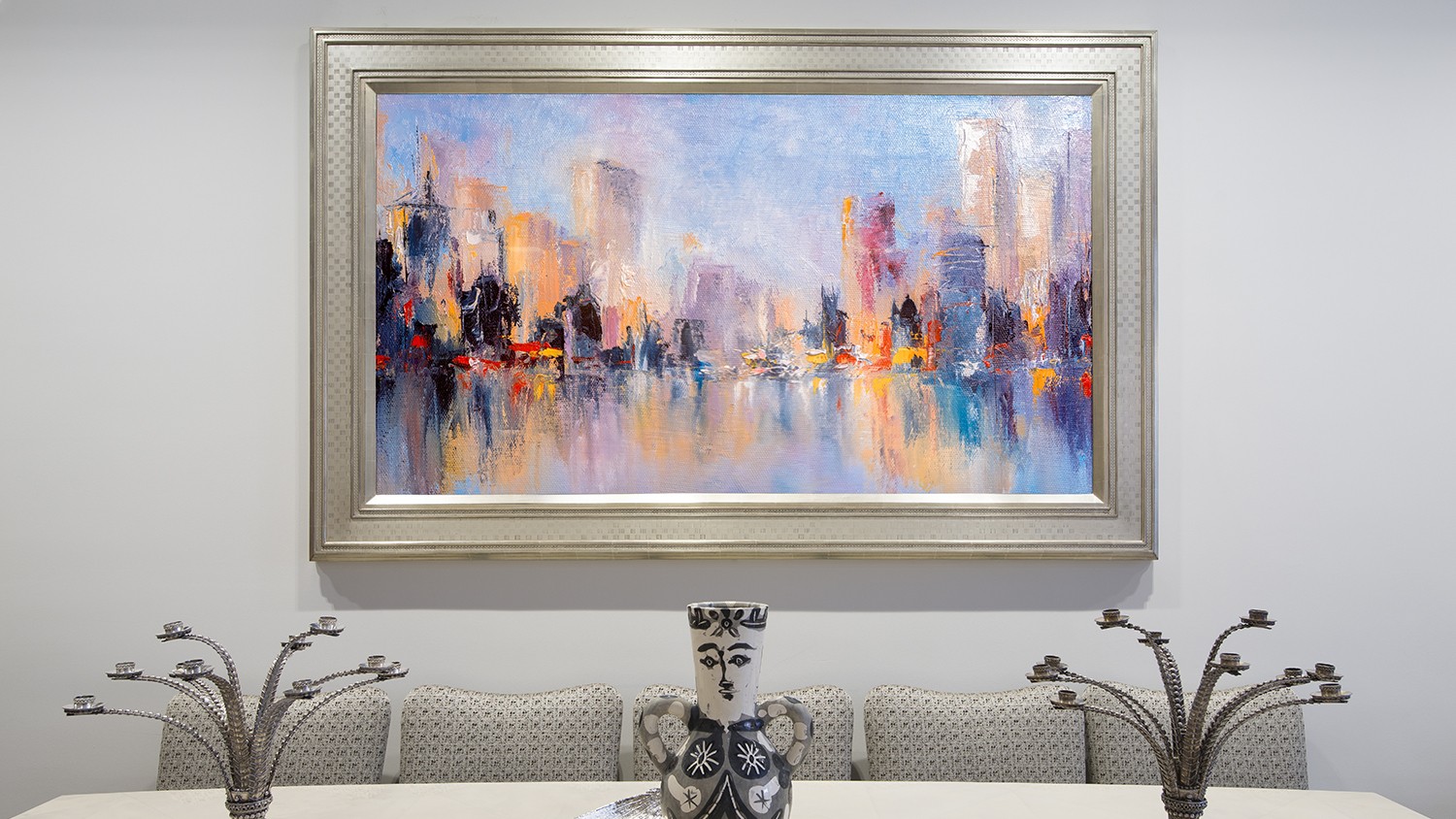
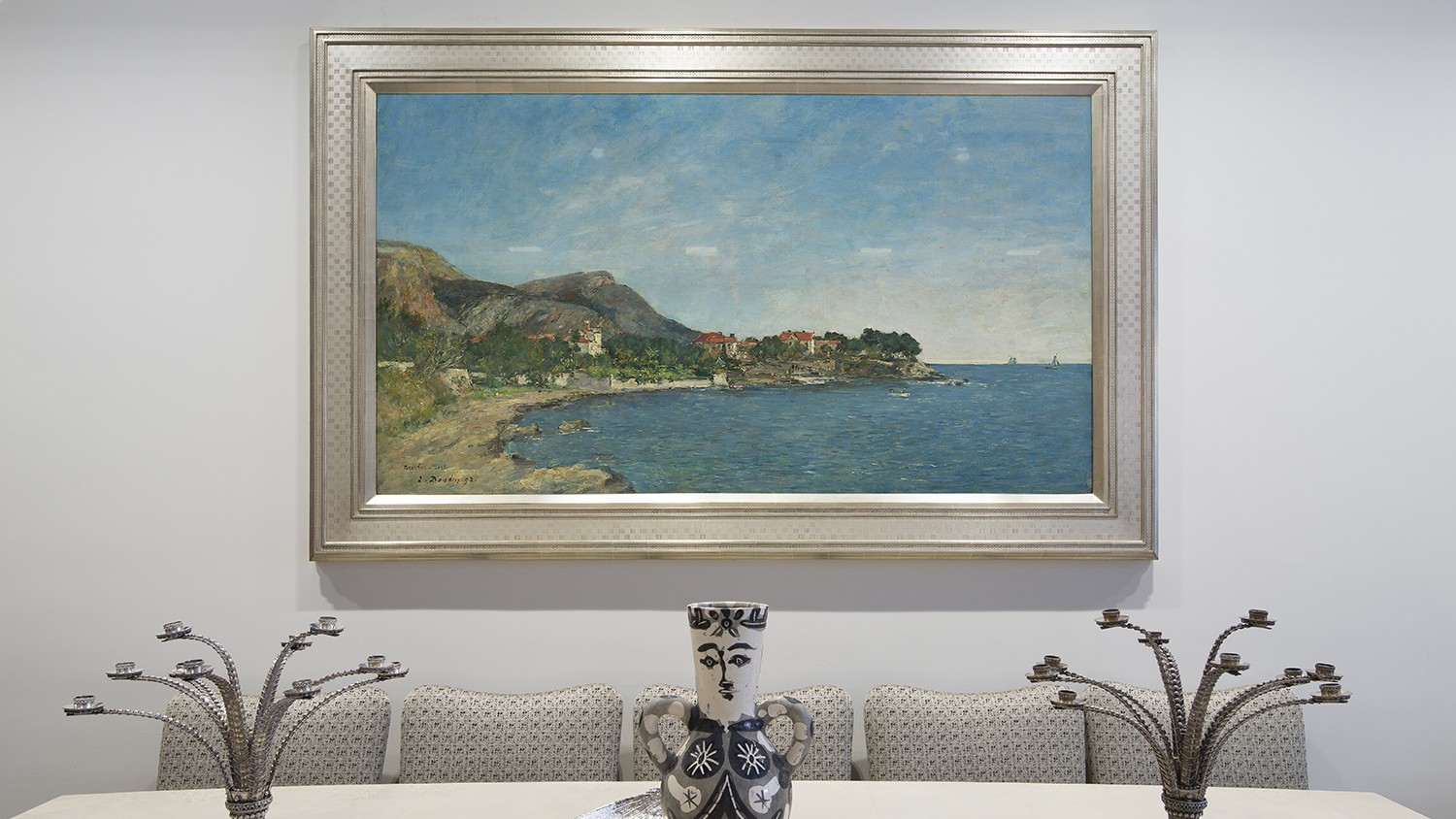
Any television can display images. What elevates digital art into a design element is thoughtful framing, proportion, and placement.
Reflectel Mirror TVs combine museum-quality framing and optical TV mirror glass, allowing artwork to appear architectural and integrated rather than like a screen on standby.
The result is not simply a concealed television, but a curated focal point that reflects your space and taste.
Why Choose Reflectel Mirror TV?
At Reflectel, we approach televisions the same way we approach fine art.
Each Mirror TV combines:
- Museum-quality framing
- Optical TV mirror glass
- Custom proportions and frame finishes
- Compatibility with your preferred television model
Every piece is custom-built to its setting, ensuring the hidden technology enhances the interior rather than competing with it.
Experience the Difference
Whether displaying museum masterpieces, contemporary digital art, or personal photography, Reflectel helps transform your framed television into an ever-evolving gallery.
Contact Reflectel to learn how our custom Mirror TVs and framed televisions can elevate your space.